Most career advice focuses on what you write — the resume bullet points, the cover letter, the LinkedIn summary. Almost none of it talks about the photo attached to your application. That’s a mistake. A blurry phone selfie or a five-year-old graduation photo sends a small but real signal about how much care you put into your application, and for students applying for their first internships or jobs, that photo is often the first thing a recruiter actually looks at.
Why Your Application Photo Matters More Than You Think
You don’t need a professional photographer or a studio to fix this. What most students are missing isn’t a better camera — it’s basic photo editing: fixing lighting, cleaning up a messy background, sharpening a photo that was taken on a phone in a dorm room. This used to require either photography skills or design software most people have never opened.
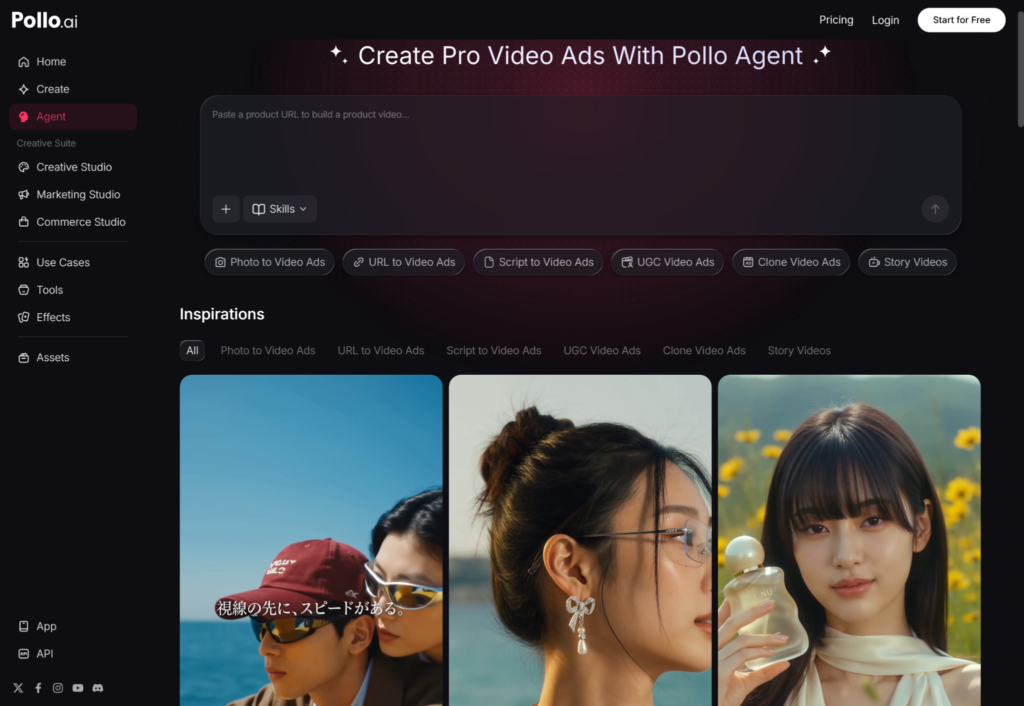
That’s exactly the gap AI photo editing tools were built to close. Pollo Agent lets you take an ordinary phone photo and clean it up into something you’d actually want on a resume or LinkedIn profile — fixing lighting, swapping a cluttered background for a neutral one, and sharpening details, all without needing to learn an editing program. For students building their first portfolio or job application photo, that’s a much lower barrier than hiring someone or teaching yourself Photoshop from scratch.
What “Portfolio-Ready” Actually Means for Students
If you’re applying for design, marketing, or media-related roles, your photo needs go beyond a single headshot. Many student portfolios now include mockups, before-and-after project shots, or visual samples that need to look polished even if you don’t have professional editing experience. The same applies to LinkedIn banners, personal websites, and even the thumbnail on a portfolio video.
The mistake most students make here is treating this as an all-or-nothing skill — either you know design software or you don’t. In practice, most of what a portfolio photo needs is a handful of predictable fixes: consistent lighting across images, clean backgrounds, and color correction so everything looks like it belongs together. That’s a solvable problem without a design degree, and it’s worth ten minutes of effort before you submit any application that includes visuals.
Comparing AI Photo Tools Worth Knowing About
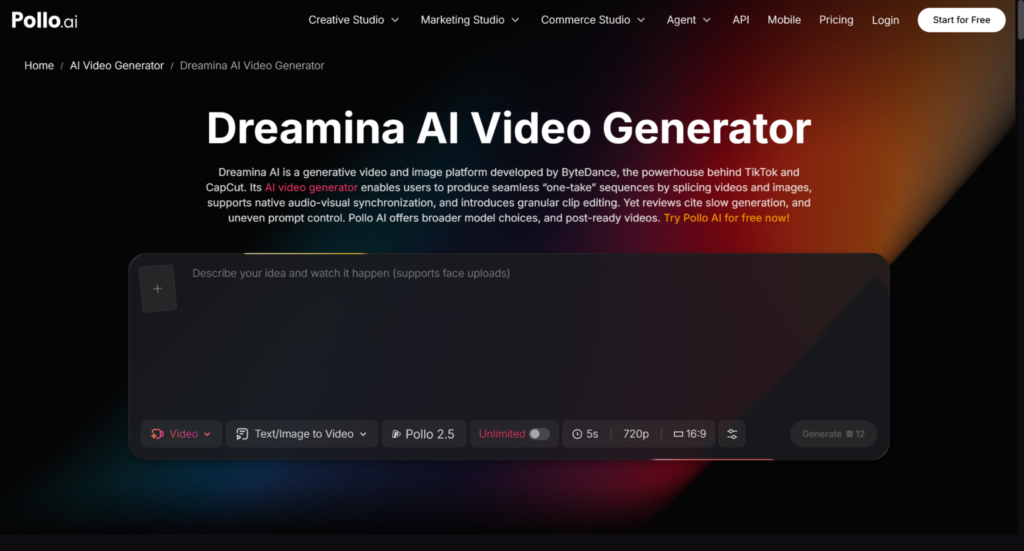
There are a handful of AI-driven photo tools students run into once they start looking, and it’s worth knowing the difference. Dreamina AI is one of the more recognizable names in this space, known mainly for generating images from text prompts rather than editing existing photos. Pollo AI actually gives you a direct path into it through its own Dreamina AI integration, which is useful if part of your portfolio needs original visual concepts rather than edits to a photo you already have.
The distinction matters for students specifically: if you already have a decent photo and just need it cleaned up — better lighting, a professional background, sharper detail — an editing-focused tool is the faster and more reliable choice. If you need to create a visual from scratch, like a concept image for a design portfolio piece, a generation-focused tool makes more sense. Knowing which problem you’re actually solving saves you from wasting time on the wrong tool.
A Simple Way to Approach This Before Your Next Application
You don’t need to overhaul your whole portfolio in one sitting. Start with the photo you already use most — your LinkedIn profile picture or resume headshot — and run it through one round of cleanup: better lighting, a simpler background, a slight sharpen. Compare it side by side with the original before you decide it’s an improvement; sometimes less editing is more, and the goal is looking like a clearer, better-lit version of yourself, not an obviously edited one.
Once that’s done, do the same for any portfolio images or project shots you’re planning to submit. Consistency matters more than perfection — a set of photos that all look like they were taken and edited with the same care reads as more professional than one flawless shot next to three mediocre ones.
The Bigger Picture
None of this replaces a strong resume or a genuine skill set — no amount of photo editing will make up for a weak application. But for students competing for a limited number of internships and entry-level roles, small details add up, and a polished, professional photo is one of the easiest fixes available. It costs nothing but a few minutes, and it’s one less thing standing between a well-prepared application and the recruiter’s attention it deserves.